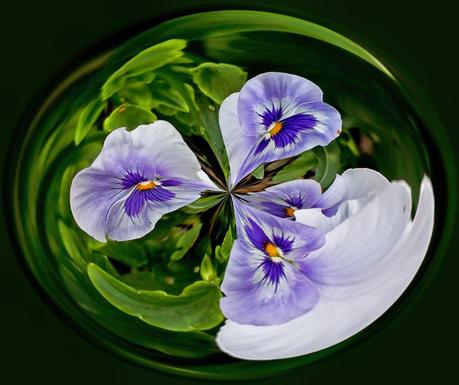
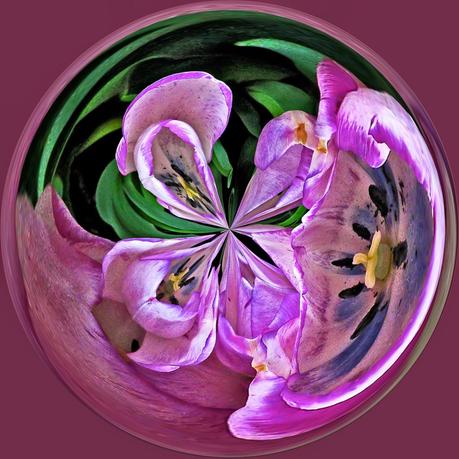
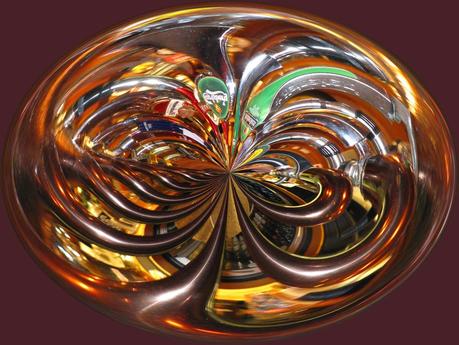
As Fall approaches, it's time to do a bit of cleaning up; i.e. of my computer desk top. I have the last of my 'orbs' to share today, and, one is actually originated from something other than a floral image. Can you tell that the bottom one was from a series of beer taps? I confess that I don't do this process much these days; too much else on my plate. Anyway, I had described the procedure in a previous posting, but as a response to a query in the Comments section. I will repeat it below so that anyone who reads this can have a try at it.
First, choose your image and load it into Photoshop Elements. Then, go to Filter
-> Distort
-> Polar Coordinates. Select polar to rectangle and click OK. Then, go to Image. Select Image Rotation, then flip the canvas vertical. Go back to Filter
-> Distort
-> Polar Coordinates. Select rectangle to polar and click OK. Save. That's all there is to it.