


On PC, Call of Duty: Warzone 2.0 has a plethora of settings you can tinker with to maximize performance. With the right settings, you can go from average to expert, so long as your machine supports them. But with so many options, it's easy to get overwhelmed when trying to pick the right settings on PC.
In this guide, we'll run down our recommended settings for Warzone 2.0. Keep in mind that many of these are preference-based, while others are completely dependent on your hardware, so adjust accordingly. For a full breakdown of console settings, check out our dedicated guide.
Recommended reading:Keyboard & Mouse
Mouse
Input device MouseController
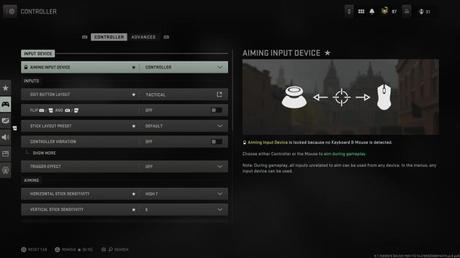 Input device Inputs Aiming Gameplay
 Advanced
Aim assist Gyro aiming Aiming Movement behaviors Combat behaviors Vehicle behaviors Overlays behaviorsGraphics
Display
Display High Dynamic Range [HDR]Quality
Global Quality Details & Textures Shadow and lighting Post-Processing EffectsView
Field of View CameraAudio
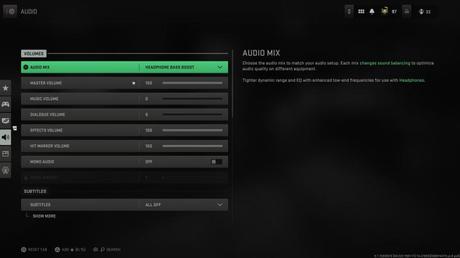 Volumes Subtitles Voice Chat Channels Audio advanced settings
 Interface
Readability Subtitles HUD Telemetry Advanced interface settingsEditors' Recommendations






