Thinking of embarking on the infamous TMB (Tour du Mont Blanc)? Don’t know where to start planning? Well the Hiiker app can help you plan your adventure with plenty of accommodation suggestions, Points of interest, alternative routes and even point you to some historic sites!
It is no surprise that the TMB is one of the most popular trails on Hiiker. Whether you’re a long-time hiker or you are only beginning your adventures, you will likely have heard of the 165km Alpine looped trail, that offers some of the most breathtaking views your eyes will allow! Beginning and ending in the beautiful Chalets de Chailloux, you will endure a total elevation gain of 10251m.
The TMB is no mean feat and does require some planning before you take it on. Here are some of the key features of the app that will help you on your adventure.
Top 4 features that help to plan the perfect Tour du Mont Blanc.
1. Offline Maps
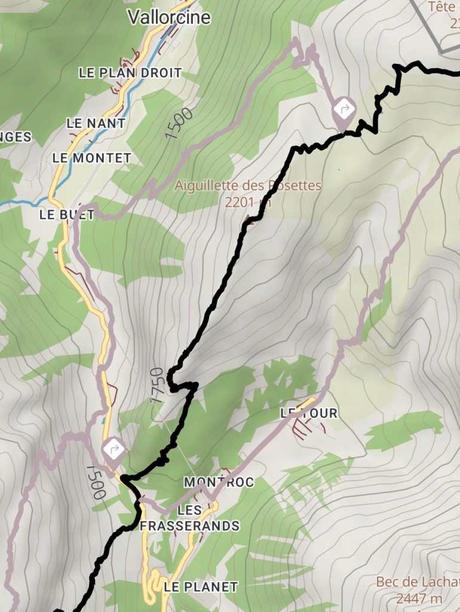
The internet is saturated with various versions of the Tour du mont blanc map. We at Hiiker have curated the best maps available in the app. You can choose one of two variations of the map to download to your handset and access them completely offline. You won’t need multiple maps or have to keep screenshots anymore!
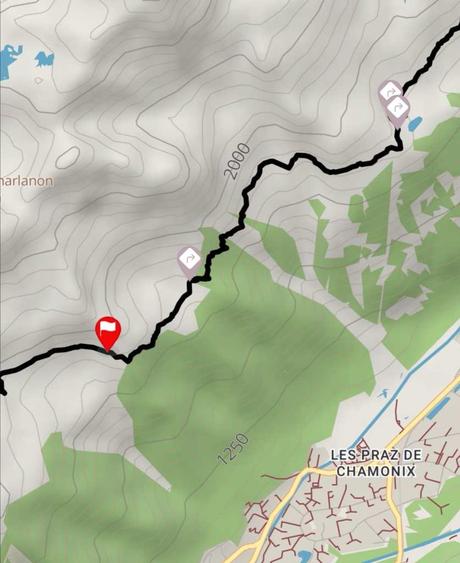
The above is our own Waymarked Trails map layer. This is the smaller of the two layers and is handy if you are downloading on mobile data as it’s only 68MB.
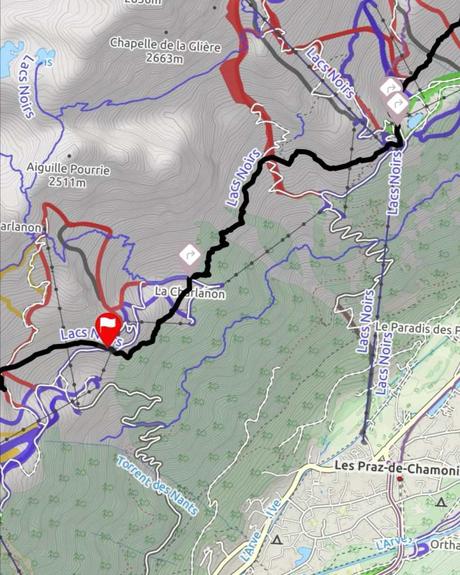
This is the same section of map using the OSM outdoors layer. This is clearly more detailed, but is also much larger a file. This is 984mb in size. We would recommend having both layers downloaded while on the trail.
2. Easy to find accommodation and amenities near the trail
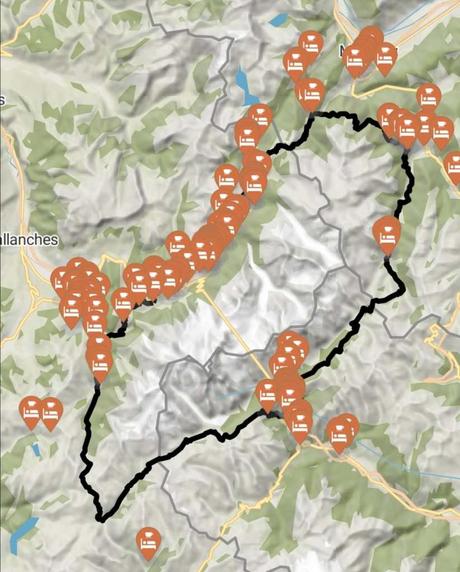
A frustration for so many people we meet along the trail is that they have searched all over the internet to find places to stay along the TMB. And many of the options available are not easy to find. Even worse is that some are miles from the actual trail.
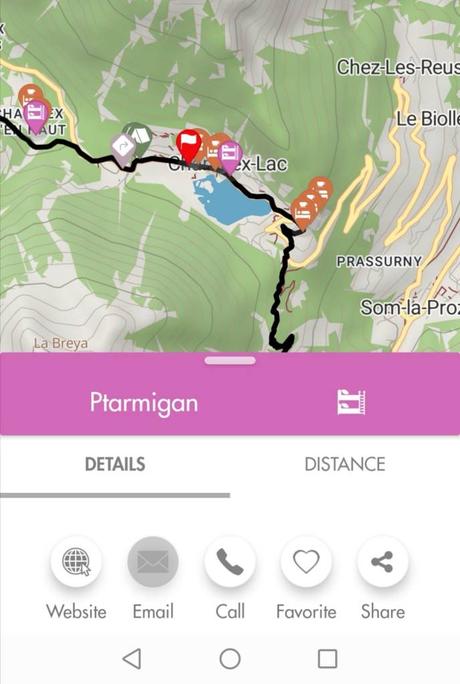
We have taken your pain away and compiled all of the best accommodation options within a reasonable distance of the trail. This is crucial at the planning stage of your journey. Now you can pick where you stay and save your itinerary on your downloaded map.
3. Location and Distances along the trail
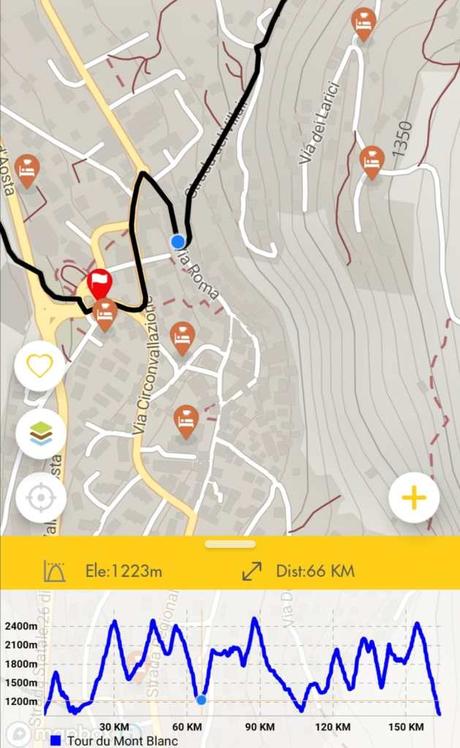
It’s one thing to know how far you have left to go before that well-earned break. Hiiker also gives you your location along the elevation profile. This comes in really handy when you are about to face a steep incline or decline.
Any hiker will tell you that this is good to know when pacing yourself over a long distance. And on the TMB, there are no shortage of climbs/descents.
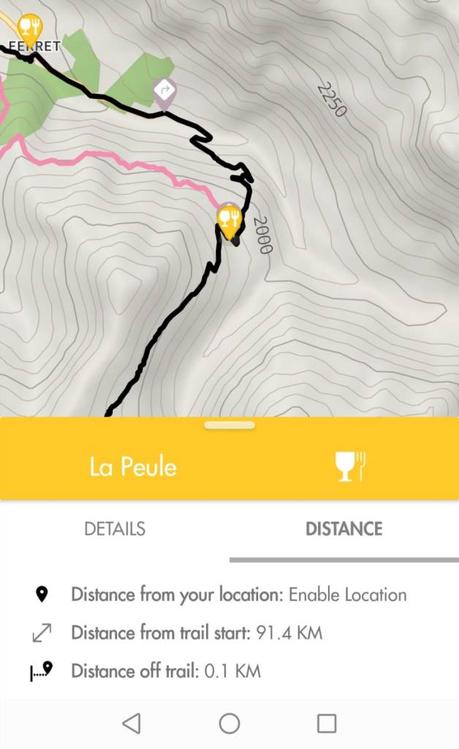
You can also select a location on the map to see how far you have to travel until you reach it.
4. Stage by stage breakdown of the TMB
Sometimes the full map can be a bit of a handful – especially when you’re looking at the elevation profile over a shorter distance. With Hiiker, you can access individual stages of the trail, which gives you a more focussed view of the section of trail that you are on.
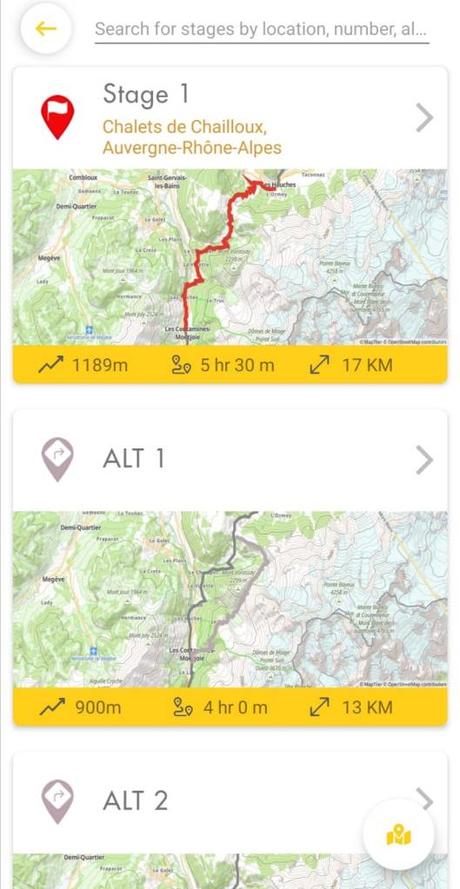
You will also notice above that there are a number of ALT (alternative) routes on the TMB. These are another feature that will allow you to hike your own hike and see the TMB in your own unique way.