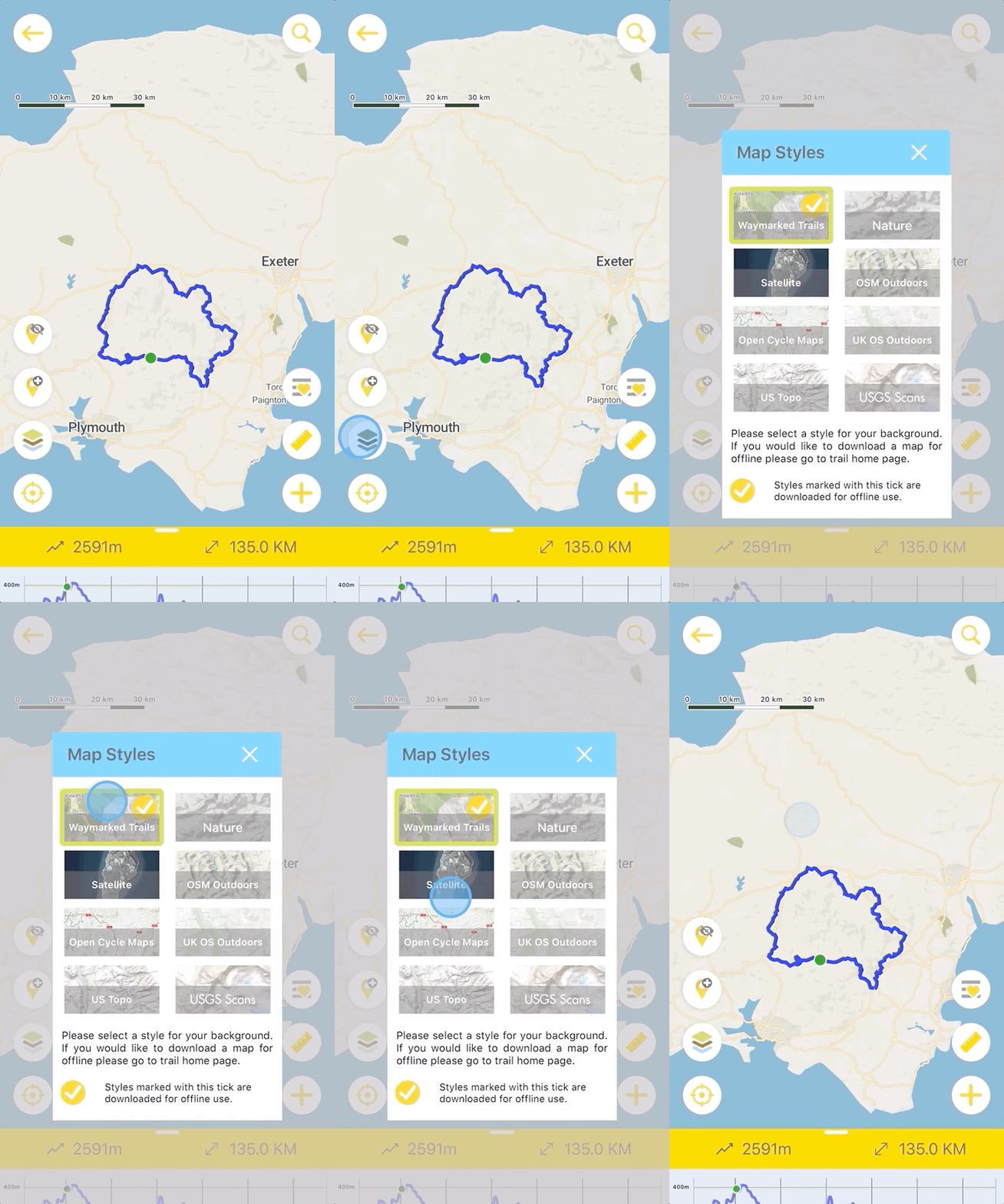
Downloading offline maps on Hiiker is very simply. Here is 4 steps to get fully offline. The guide is for both Android and iOS.
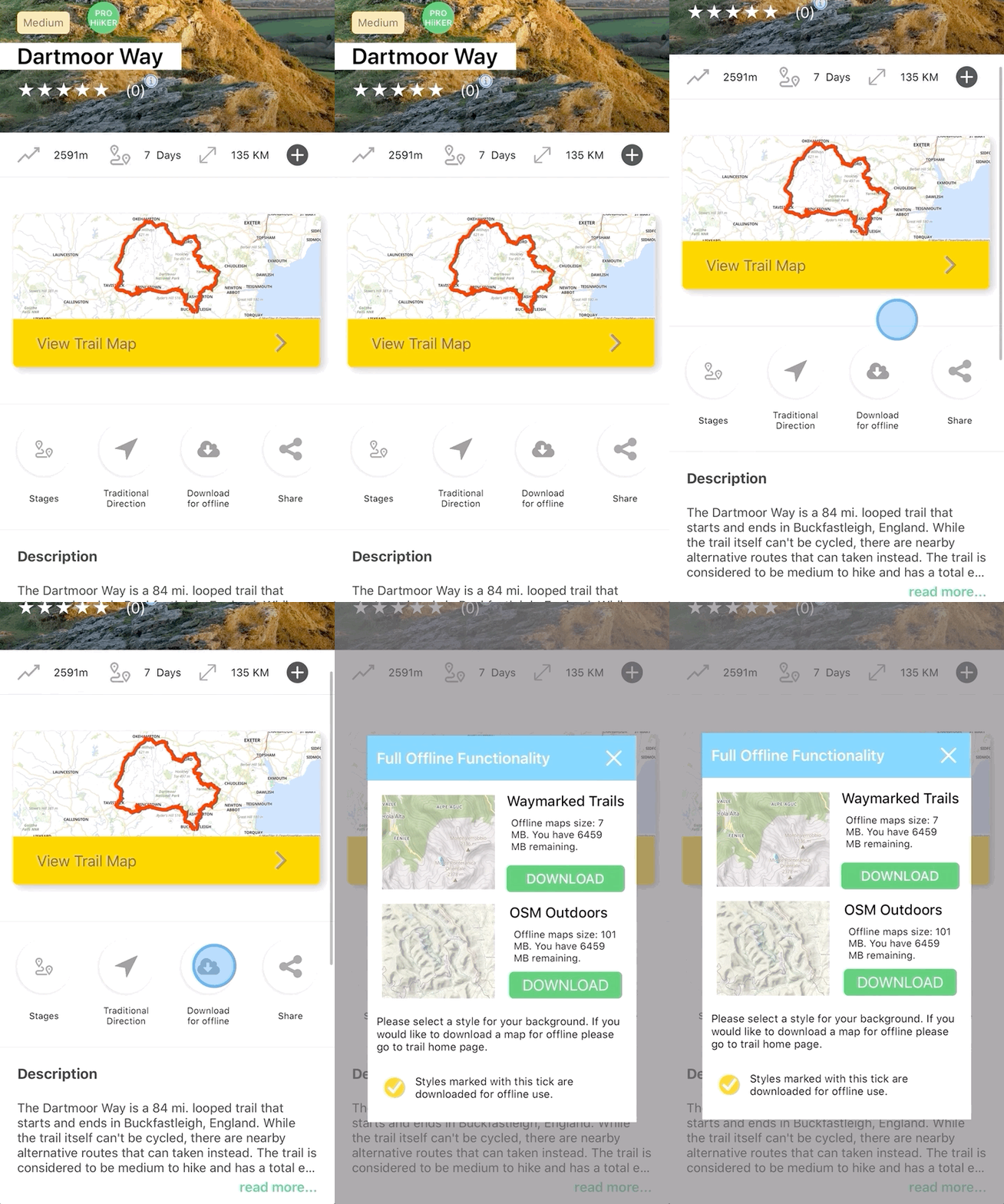
1. Tap on the Download button
On the Trail Overview page as seen below.
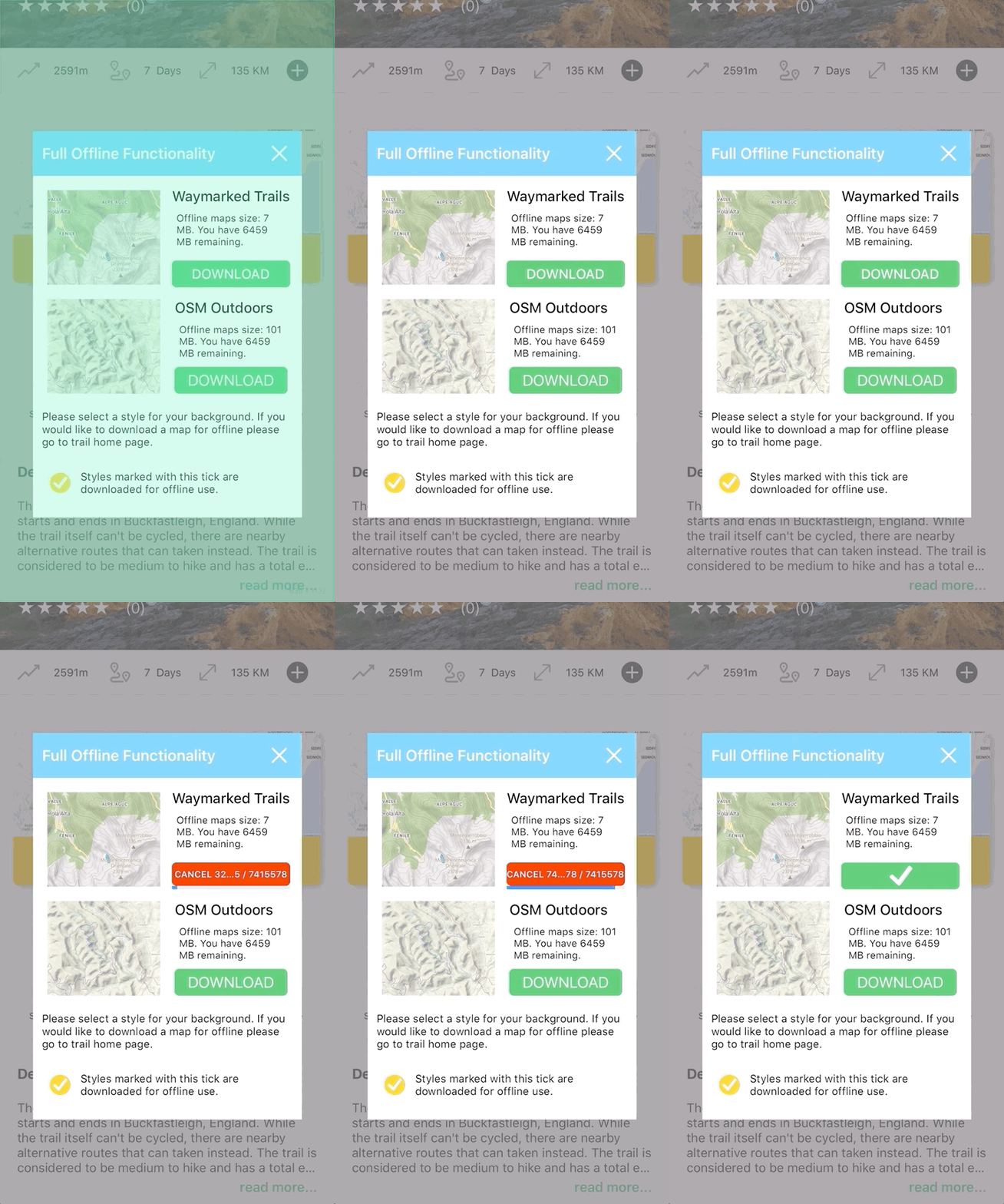
2. Download the map style you want (or both)
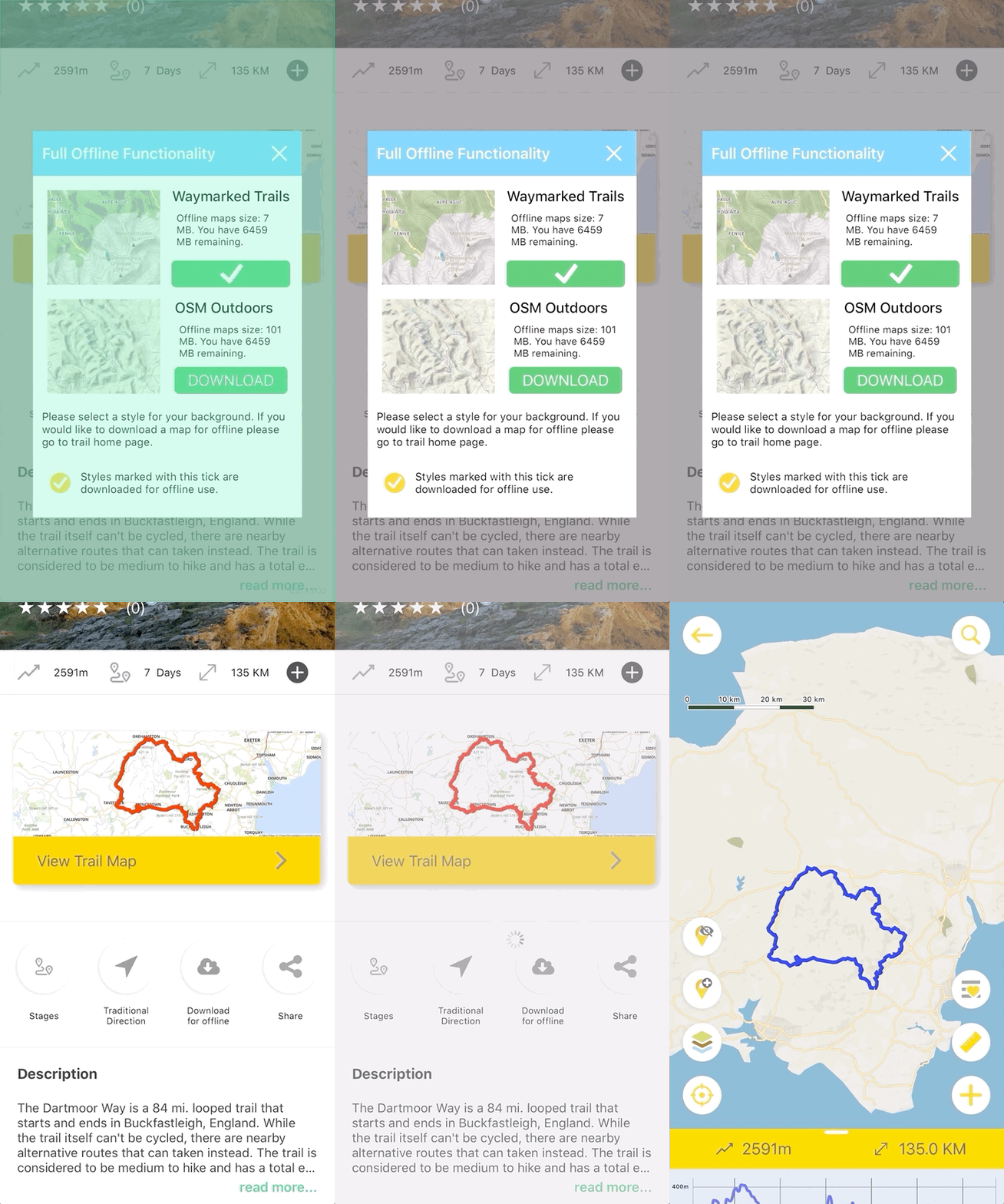
3. Exit the Offline Map dialogue, and go straight into the map.
4. In the map style dialog on the map page, offline styles are marked with a 
Any styles that are available for offline use will automatically be used by the app.