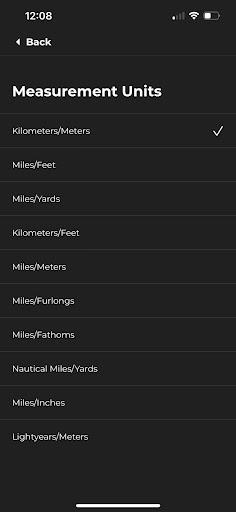
So we all don’t measure in miles, furlongs or lightyears. Every hiker has their preferred way of measuring distance and elevation. That’s why we’ve made it super simple for you to change the measurement units used across the app. To do this, follow these simple steps!
From the Profile page click the settings icon, then select “customise”, then “Measurement Units”.
From here you can adjust the units the app uses to displace measurements and distance..