


If you manage more than one WordPress site, you already know how quickly routine maintenance turns into repetitive admin work. Logging into separate dashboards, checking updates, running backups, reviewing security issues, and sending reports may sound simple on paper, but across ten, twenty, or fifty sites, it becomes a real operational problem. That is why centralized WordPress management tools matter.
These tools give agencies, freelancers, developers, and in-house teams a single place to manage multiple WordPress websites. Some focus on full maintenance workflows such as updates, backups, uptime monitoring, and client reporting. Others are more security-focused and help identify vulnerabilities, suspicious files, exposed configuration issues, and malware risks. The right platform depends on what you are actually trying to centralize.
In this guide, we compare the best centralized WordPress management tools, including WPVanguard, MainWP, ManageWP, WP Umbrella, and InfiniteWP. We will break down the key features, explain the difference between security-first tools and full dashboard tools, and help you decide which platform fits your workflow best.
What Are Centralized WordPress Management Tools?
Centralized WordPress management tools are platforms that help you manage multiple WordPress websites from one dashboard or one connected system. Instead of logging into each site separately, you can handle recurring maintenance tasks from one place. These tasks usually include plugin and theme updates, backups, uptime monitoring, performance checks, security monitoring, and reporting.
It is important to distinguish this from WordPress Multisite. WordPress Multisite lets you run multiple sites from one WordPress installation. Centralized management tools, on the other hand, let you manage multiple independent WordPress installs. That makes them much more useful for agencies, freelancers, and businesses managing separate client sites.
Not every centralized tool works the same way. Some tools operate as full maintenance dashboards. Others take a narrower role and focus more on security scanning and incident response. That distinction matters because people often compare tools that solve different parts of the workflow.
Why Businesses and Agencies Need WordPress Management Tools
The biggest reason to use a WordPress management platform is efficiency. Manual maintenance does not scale well. Every extra site adds more time, more risk, and more room for human error.
A centralized platform helps in several ways:
- It reduces repetitive admin work by centralizing updates and maintenance tasks.
- It improves consistency because the same process can be followed across all managed sites.
- It reduces risk by making backups, monitoring, and security checks more visible.
- It helps agencies communicate value through client reports and maintenance summaries.
- It makes growth easier because you can manage more sites without increasing operational chaos at the same pace.
For agencies, this is especially important. Maintenance work is often where profit gets lost. A good tool helps reclaim that time while improving service quality.
If your broader business strategy already includes building more controlled digital platforms, you may also find it useful to think about content, communities, and ownership together. For example, our guide on WordPress vs SaaS community platforms explores how control and flexibility affect long-term business decisions.
Key Features to Look for in a WordPress Management Tool
1. Centralized Dashboard
The first requirement is obvious: one view for multiple sites. A management platform should make it easy to see site status, pending updates, alerts, and maintenance actions across your portfolio.
2. Bulk Updates
Updating WordPress core, themes, and plugins in bulk saves time, but the best tools also offer safer workflows such as update staging, rollback options, or selective approval.
3. Backups and Restore
Backups are non-negotiable. Look for scheduled backups, off-site storage, fast restore options, and clear retention settings. A management tool is only as useful as its recovery workflow when something breaks.
4. Security and Vulnerability Monitoring
Security features vary widely. Some tools provide plugin vulnerability alerts, uptime checks, SSL checks, or site health warnings. Others go further into malware scanning, suspicious script detection, and deeper security analysis.
5. Uptime and Performance Monitoring
For agencies and maintenance providers, site downtime needs to be visible quickly. Performance tracking can also help identify issues before clients notice them.
6. Reporting
Client reporting matters more than many freelancers expect. If you maintain sites for others, a good report turns invisible technical work into something measurable and billable.
7. Self-Hosted vs SaaS
Some tools are self-hosted, which gives you more control over data and infrastructure. Others are SaaS platforms that trade some control for easier setup and lower maintenance overhead. This is one of the biggest strategic decisions when choosing a tool.
Best Centralized WordPress Management Tools
WPVanguard
 Visit WPVanguard
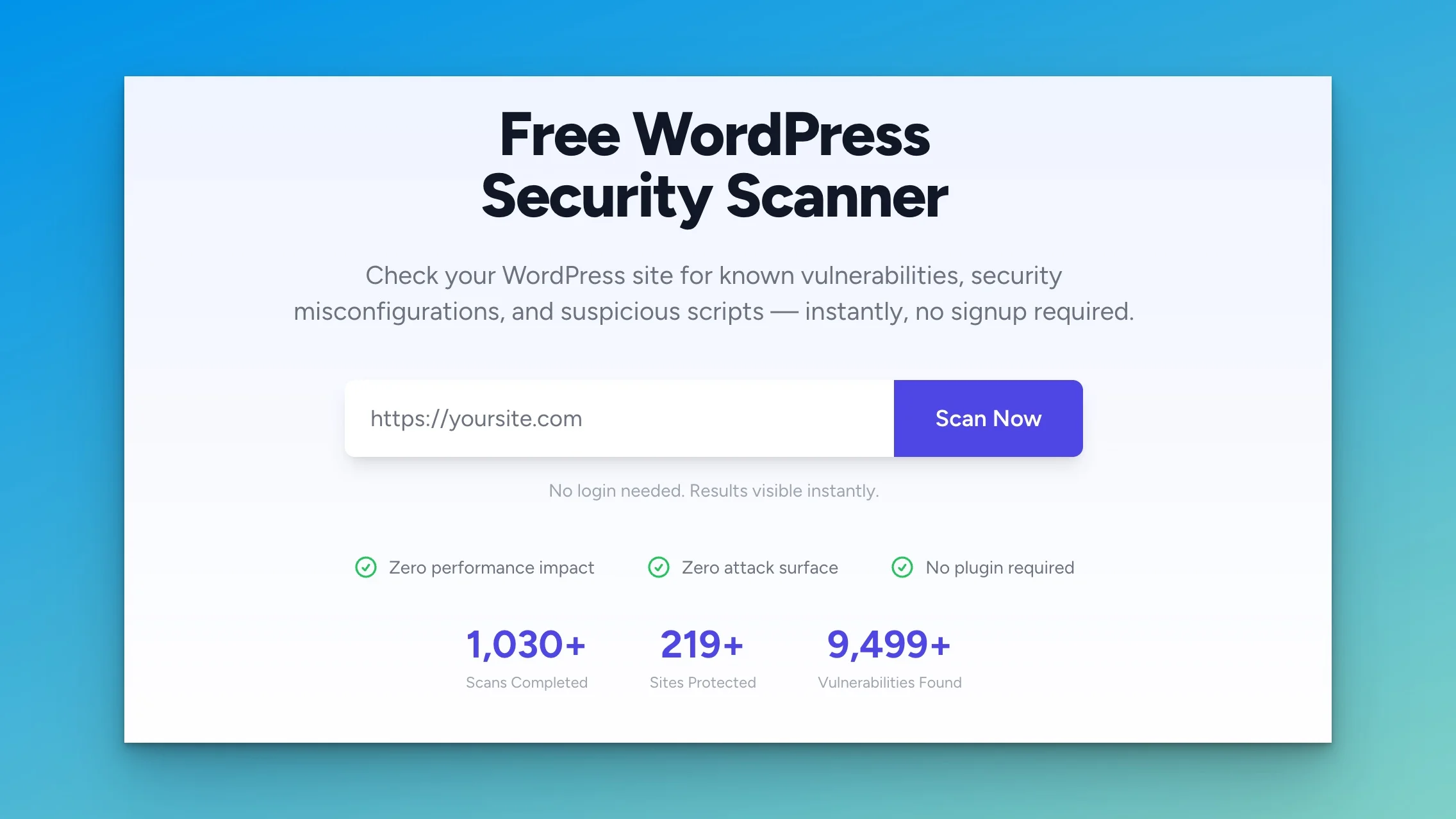
WPVanguard deserves attention because it approaches WordPress management from the security side rather than the traditional all-in-one dashboard angle. It is best understood as a security-first WordPress maintenance tool rather than a complete centralized operations dashboard.
Based on its public positioning, WPVanguard focuses on scanning WordPress websites for issues such as vulnerabilities, suspicious code, exposed files, and malware-related risks. That makes it useful for agencies and site owners who want better visibility into WordPress security health, especially as part of a broader maintenance workflow.
Its strength is not necessarily bulk plugin management or multi-site maintenance orchestration in the same way as MainWP or ManageWP. Its strength is security visibility. For teams that already have update and backup workflows but want stronger scanning and remediation support, WPVanguard can be a strong addition.
Best for: security-focused maintenance workflows, agencies that want more WordPress security visibility, and site owners prioritizing risk detection.
Potential limitation: if you want a full dashboard for bulk updates, backups, uptime monitoring, and reporting from one place, you may need a broader platform or a combined stack.
MainWP
 Visit MainWP
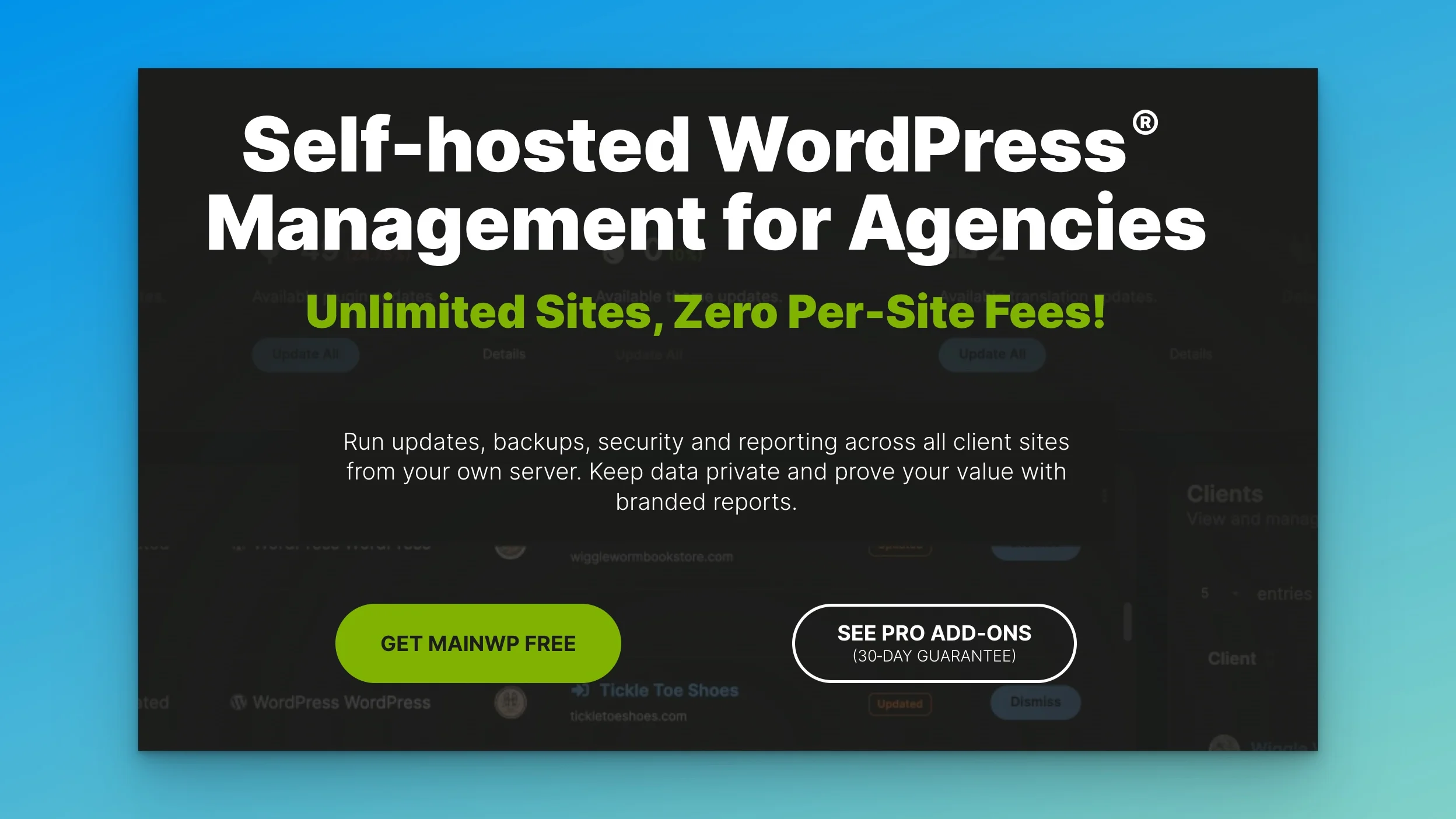
MainWP is one of the best-known self-hosted WordPress management platforms. Its biggest appeal is control. You host the dashboard yourself and connect your client or business sites into that management hub. That makes MainWP attractive to privacy-conscious agencies and technical teams that do not want a SaaS dependency for multi-site operations.
MainWP covers the core tasks most agencies need: centralized updates, monitoring, backups through extensions, user management, site health visibility, and reporting. Its ecosystem is mature, and for users who like a self-hosted stack, it remains one of the strongest options available.
Best for: agencies and developers who want a self-hosted WordPress management dashboard with strong flexibility.
Tradeoff: self-hosting means you are also responsible for maintaining the management hub.
ManageWP
 Visit ManageWP
ManageWP is one of the most recognizable SaaS options in this category. It is designed to make multi-site management easy to adopt quickly. The dashboard handles tasks like backups, uptime monitoring, performance checks, SEO checks, safe updates, and reporting without requiring you to self-host the management platform.
Its biggest advantage is convenience. Agencies and freelancers who want a faster setup and less infrastructure overhead often find ManageWP easier to operationalize than self-hosted options.
Best for: freelancers, agencies, and site owners who want a straightforward SaaS management dashboard.
Tradeoff: less control than a self-hosted system and pricing can scale as premium features are added.
WP Umbrella
 Visit WP Umbrella
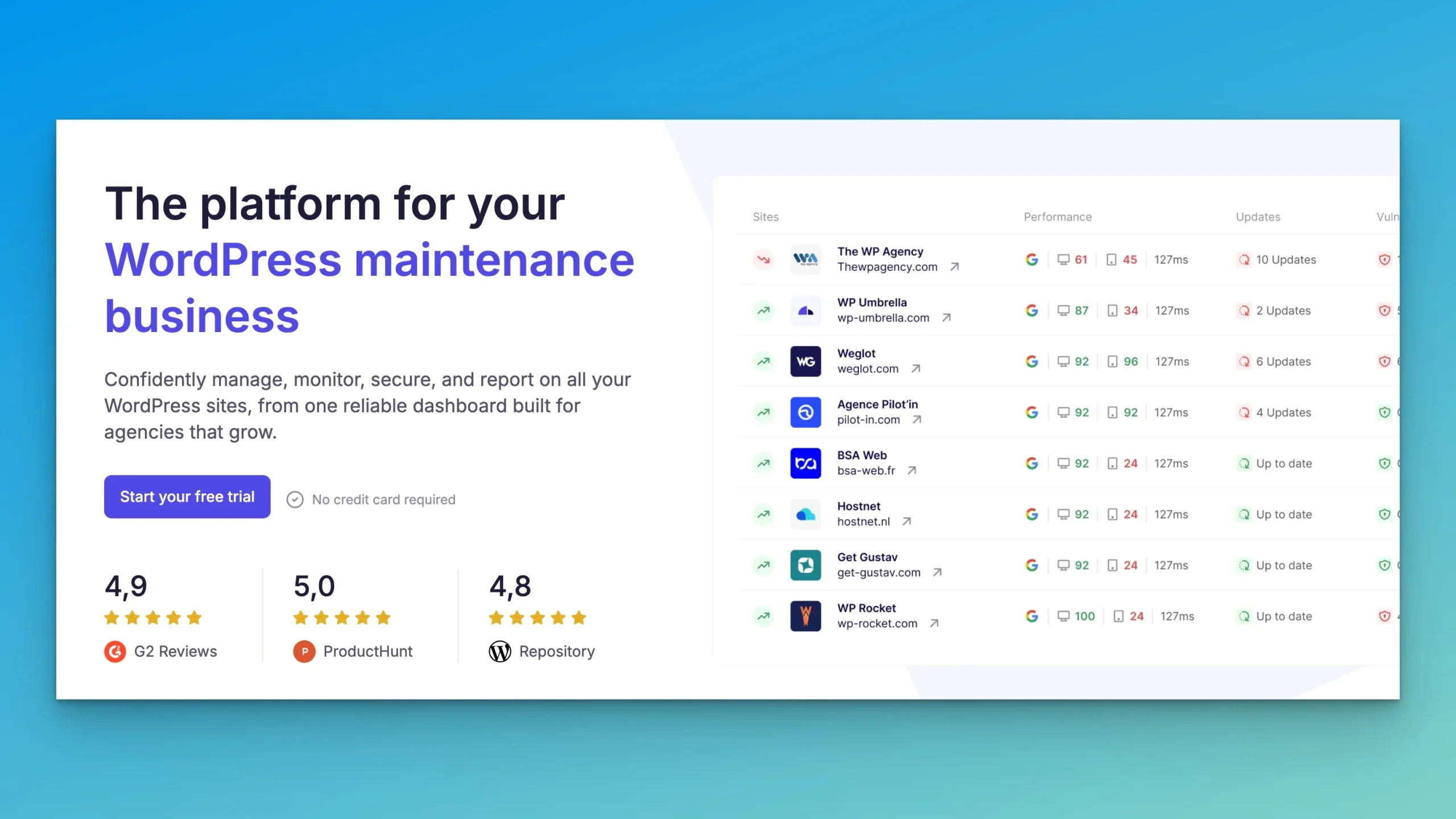
WP Umbrella has built a strong reputation around maintenance automation, monitoring, and reporting. It is especially appealing to agencies that want a modern interface and a maintenance workflow centered around backups, safe updates, uptime monitoring, and client-friendly reports.
Compared with some older tools in the market, WP Umbrella feels positioned for service providers who want a clean SaaS workflow and good reporting output. That makes it attractive for recurring maintenance retainers.
Best for: maintenance agencies, freelancers with reporting needs, and teams that want a modern SaaS workflow.
Tradeoff: as with other SaaS tools, long-term cost and dependency should be weighed against convenience.
InfiniteWP
 Visit InfiniteWP
InfiniteWP is another self-hosted WordPress management option and is often discussed alongside MainWP. It focuses on managing unlimited sites, centralized backups, bulk admin operations, and maintenance workflows from a single installation.
It can be a good fit for users who want a self-hosted system but prefer its workflow or pricing structure. Like MainWP, however, it makes most sense for users comfortable with maintaining their own management platform.
Best for: technical users and agencies who want self-hosted control over WordPress maintenance operations.
Tradeoff: requires more setup and operational ownership than SaaS tools.
WPVanguard vs MainWP vs ManageWP vs WP Umbrella vs InfiniteWP
WPVanguardSecurity scanning and risk visibilitySaaS / external service modelSecurity-first maintenance workflows
MainWPFull WordPress management dashboardSelf-hostedAgencies wanting control and flexibility
ManageWPConvenient multi-site maintenanceSaaSFreelancers and agencies wanting easy setup
WP UmbrellaMaintenance automation and reportingSaaSAgencies focused on monitoring and reports
InfiniteWPSelf-hosted multi-site operationsSelf-hostedTechnical teams managing many sites
The key takeaway is that these tools do not all compete on exactly the same axis. WPVanguard is best viewed as a security-first layer. MainWP and InfiniteWP are self-hosted operational dashboards. ManageWP and WP Umbrella are SaaS convenience platforms for day-to-day maintenance.
Security-First vs Full Dashboard WordPress Management Tools
This is the most important distinction in the category.
Security-first tools focus on detection and protection. They help identify vulnerable plugins, suspicious files, malware risks, exposed configuration problems, and other security indicators. WPVanguard fits most naturally into this category.
Full dashboard tools focus on operational control. They help you update WordPress sites, run backups, monitor uptime, generate reports, and manage site fleets more efficiently. MainWP, ManageWP, WP Umbrella, and InfiniteWP fit more clearly here.
Many agencies will ultimately benefit from both types. A full dashboard keeps maintenance efficient, while a security-focused tool deepens visibility into risk. That layered approach makes more sense than forcing one tool to solve every problem if it was not designed for that purpose.
Self-Hosted vs SaaS WordPress Management Tools
If you are deciding between self-hosted and SaaS, the right choice depends on priorities.
Self-hosted tools such as MainWP and InfiniteWP are ideal if you want more control, more flexibility, and more ownership over the management environment. They can be attractive for agencies with technical capacity, privacy requirements, or a preference for avoiding platform dependence.
SaaS tools such as ManageWP and WP Umbrella are better if your priority is fast setup, lower maintenance overhead, and convenience. These are often the better fit for smaller teams that want operational simplicity.
If your business values ownership in the broader sense, including platforms, audiences, and workflows, that same thinking often appears in related decisions. Our guide on The Complete WordPress Community Stack explores how WordPress-based infrastructure can support more long-term control.
Which WordPress Management Tool Is Best for You?
Best for freelancers
If you manage a modest number of client sites and want to reduce maintenance time quickly, a SaaS platform like ManageWP or WP Umbrella usually makes the most practical sense.
Best for agencies with many client sites
If you want deeper control, flexible workflows, and a scalable self-hosted system, MainWP is often one of the strongest choices. InfiniteWP may also make sense depending on team preference.
Best for security-focused teams
If the biggest concern is visibility into WordPress threats, malware risks, suspicious scripts, or exposed weaknesses, WPVanguard deserves close evaluation. It is especially relevant if you want a security-first layer inside your maintenance process.
Best for privacy-focused teams
Self-hosted tools remain the better fit if data ownership and platform control are high priorities.
Best for client reporting and maintenance retainers
WP Umbrella and ManageWP are strong candidates if reporting, uptime visibility, and recurring maintenance workflows are central to your service model.
Common Mistakes When Choosing a WordPress Management Tool
One common mistake is comparing all tools as though they do the same job. They do not. A security scanner should not be judged only by bulk update features, and a maintenance dashboard should not automatically be expected to provide deep malware remediation.
Another mistake is choosing based on price alone. Backup quality, restore workflows, reporting, and alert visibility matter more over time than the lowest entry cost.
Many agencies also underestimate the maintenance cost of self-hosted tools. Control is valuable, but it comes with responsibility. If your team does not want to maintain its own management layer, SaaS may be the smarter option.
Finally, some teams fail to think about workflow fit. The best platform is not the one with the longest feature list. It is the one that matches your actual operational model.
Frequently Asked Questions
What are centralized WordPress management tools?
They are tools that help you manage multiple independent WordPress sites from one dashboard or one connected platform. Common features include updates, backups, monitoring, and reporting.
What is the best tool to manage multiple WordPress sites?
There is no single best tool for every use case. MainWP is strong for self-hosted control, ManageWP is strong for convenience, WP Umbrella is strong for maintenance workflows, and WPVanguard is strong for security-focused scanning.
Is WPVanguard a full WordPress management dashboard?
WPVanguard appears best positioned as a security-first WordPress maintenance tool rather than a full all-in-one operations dashboard.
Are self-hosted WordPress management tools better than SaaS tools?
They are not automatically better. Self-hosted tools offer more control, while SaaS tools usually offer faster setup and lower maintenance overhead.
Final Verdict
The best centralized WordPress management tool depends on what you are trying to centralize. If your priority is security visibility, WPVanguard deserves a place near the top of your shortlist. If your priority is full operational control, MainWP and InfiniteWP are strong self-hosted options. If your priority is convenience, faster setup, and maintenance efficiency, ManageWP and WP Umbrella are easier SaaS choices.
For many agencies, the smartest decision is not asking which one tool does everything. It is asking which combination best fits the way you actually maintain WordPress sites. That is where the real efficiency gains happen.



THE %(site_name)s COMMUNITY

-
 umkhaloodie
3864140 pt -
Ch
3396455 pt -
 jesusmsanchezl
2453003 pt -
weddingblog2011
2205852 pt