


Add custom markers is part of our system of creating trail itineraries. You can find the main article here.
Demo of adding and moving a marker:
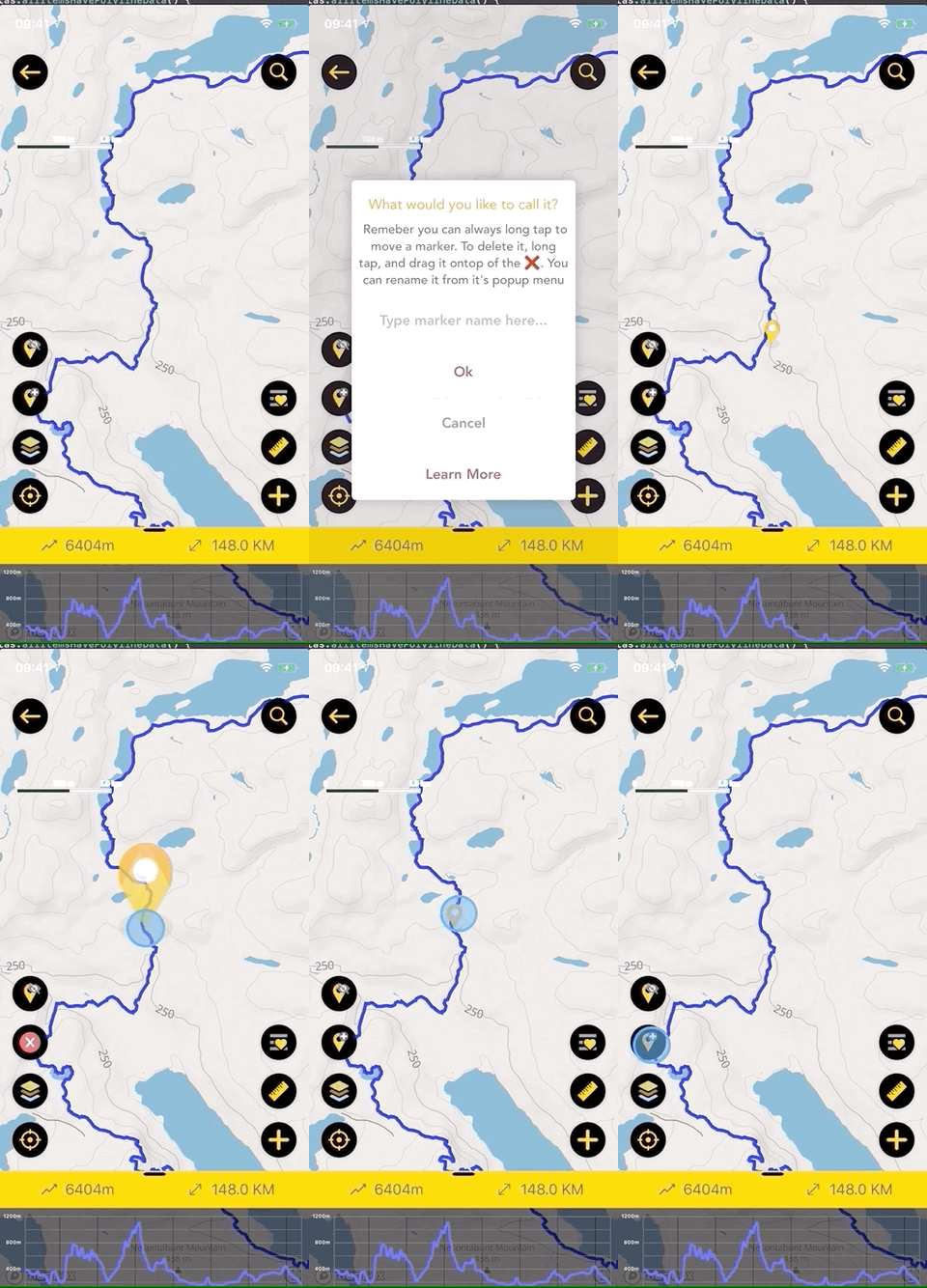 Adding, moving, and removing a custom marker on Hiiker
1.Tap on the Add marker Button
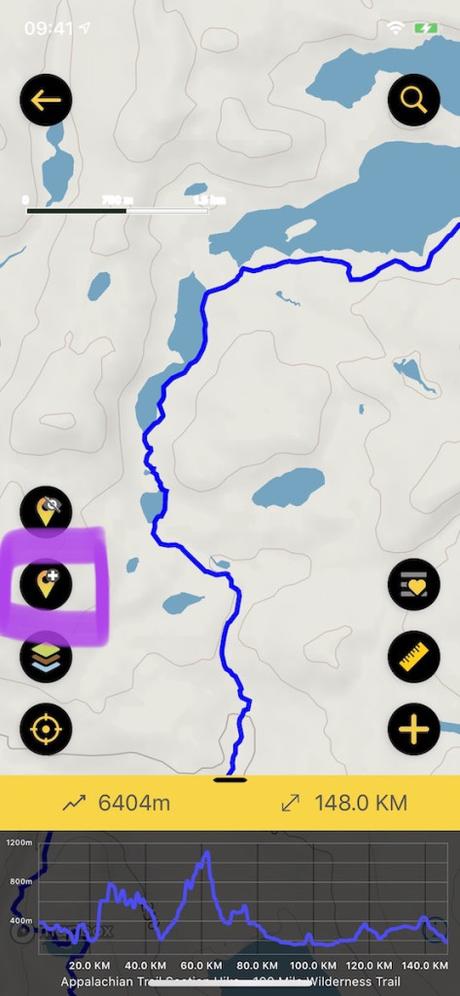 Hiiker add marker button
2. Add a name to the marker
3. Tap Okay
4. To move a marker just long tap and drag to the new location, then release.
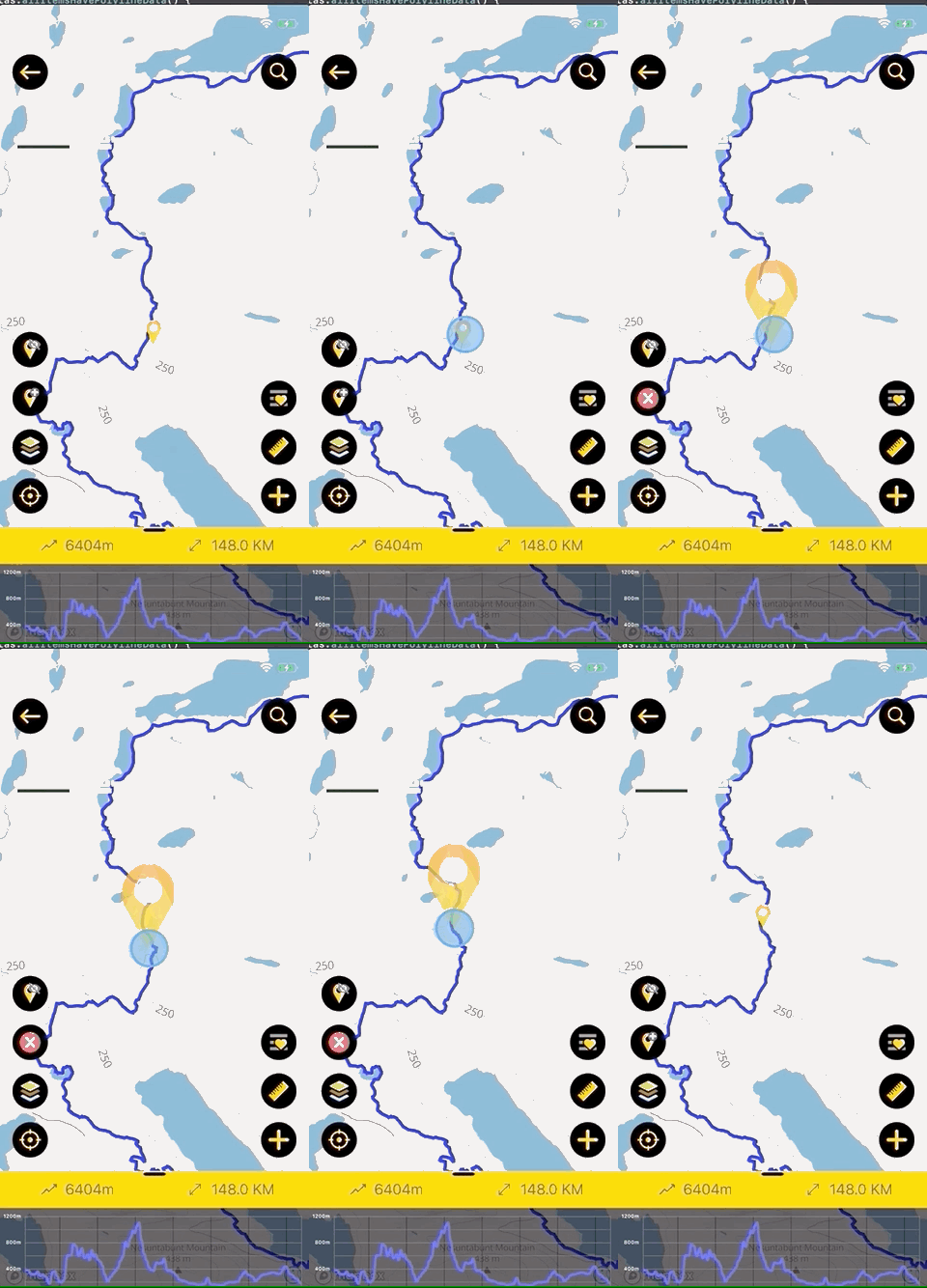 Moving a marker on Hiiker
 button.





