


Despite more restrictions than it was years ago, Android is still a far more open platform than its competitors. You can still do almost anything you want. There are tons of apps out there that can transform your experience. You can change your email app or launcher for different experiences. It is easy, however. There are tons of other fun ways to customize your Android device. Here are the best customization apps for Android!
This list focuses heavily on changing or theming UI elements. If you want home screen themes and visual customizations, we recommend checking out our list of the best theme apps here.
We'd also like to give credit to OEM tools for making changes. With standard Android, for example, you can choose between navigation buttons and gestures. Samsung has Good Lock and with it Samsung users can do all sorts of crazy things with their devices. It's worth doing a little googling to see if your phone manufacturer has any hidden or additional tools that you can use to customize your experience.
Gboard or SwiftKey
Price: Free
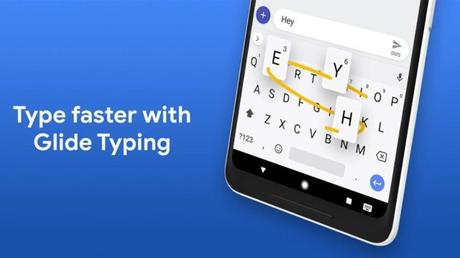
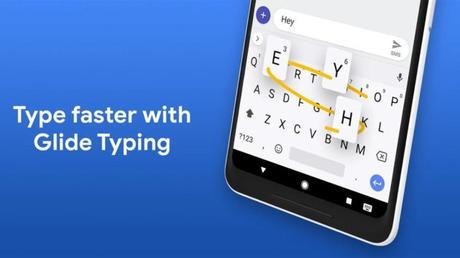
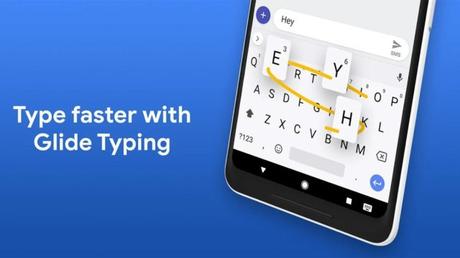
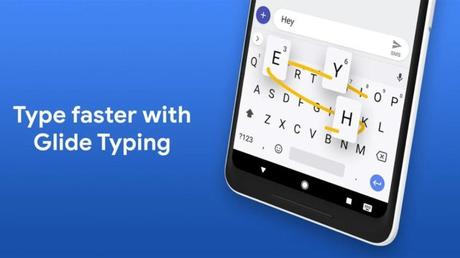
Gboard and SwiftKey are arguably the two best keyboard apps for Android. Both offer extensive themes, decent features, gesture input, and a host of other features. The experience is a little different between the two. Gboard is a bit simpler with more mainstream features, while SwiftKey is a bit more user-friendly. Either way, you're using your keyboard a ton, and basically, you can make both of them look what you want. This is a good starting point if customization is your goal. Both apps are completely free with no ads. SwiftKey used to calculate for topics, but no longer.
Energy ring and energy bar
Price: Free / Up to $ 24.99
Energy Ring and Energy Bar are two decent apps for customizing Android. Energy Bar places a battery gauge on the top of your phone in the form of a bar that slopes down with that of your battery. Meanwhile, the Energy Ring version transforms your pinhole camera into a battery indicator. It's a nice way to lean into the whole hole punch thing and still give yourself some functionality. The apps support most modern Samsung devices and the generic Energy Ring app has several more. Everything else can use Energy Bar. The apps have various customizations to make them your own and they seem to work pretty well without any ridiculous battery drain. However, the price only varies because the developer is working on an optional donation system.
IFTTT
Price: Free
IFTTT is an exceptionally powerful app. They use it to automate a wide variety of tasks. It works almost seamlessly between 600 different apps, including the Google Assistant and Amazon Alexa. You can get a variety of things done, and there are tons of IFTTT recipes out there. This app customizes the things your phone does, rather than how it looks. With all of the compatible apps and thousands of recipes, IFTTT is probably better than any other app except maybe Tasker. It's also completely free with no in-app purchases or ads.
KWGT, KLWP, KLCK
Price: Free / $ 5.99 each
KWGT, KLWP and KLCK allow you to create a number of things individually for your phone. KWGT is a widget maker that allows you to add a range of information, skins, and designs. KLWP is a live wallpaper maker that does basically the same thing as KWGT but for wallpapers. Finally, you can use KLCK to customize a lock screen. All three apps have above-average steep learning curves. However, you can also find pre-made themes on the Play Store and other locations in case you just want to borrow someone else's design. There are tons of cool things you can do with these apps if you take the time to learn them.
Price: Free / $ 3.99 per month / $ 29.99 per year
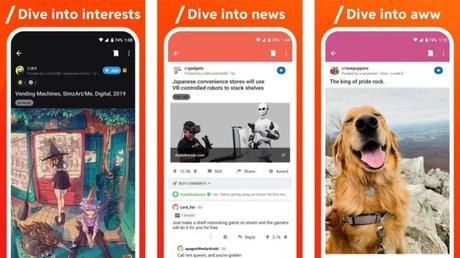
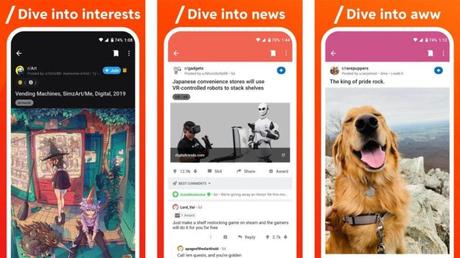
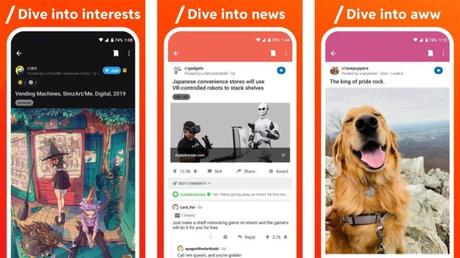
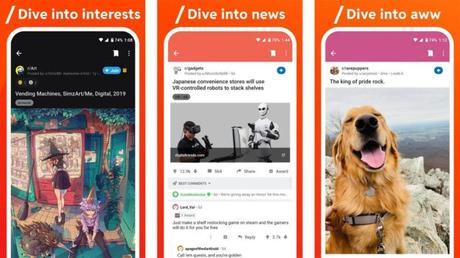
Reddit is a decent place for a lot of Android customization. There are several subreddits devoted to the task, including those for popular customization apps like IFTTT and Tasker, as well as a generic AndroidThemes subreddit with a number of nice home screen ideas. Most of the posts will show you or tell you how to get a certain effect, which apps to download, and how to set everything up. There are icon packs, KWGT templates, wallpapers, and anything else you can think of. Here is an example of the kind of stuff we mean. It can get a little confusing and there's a lot of information here and there and a few idiots, but in general it's a decent overall experience. We'd also like to give an honorable mention to TruePicks (Google Play Link), which does the same thing on a smaller scale.
Sharedr
Price: Free
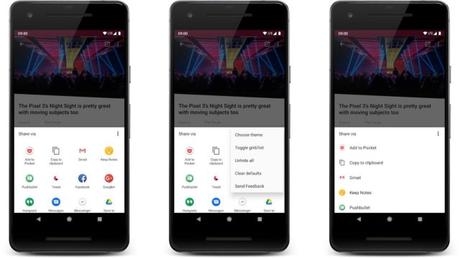
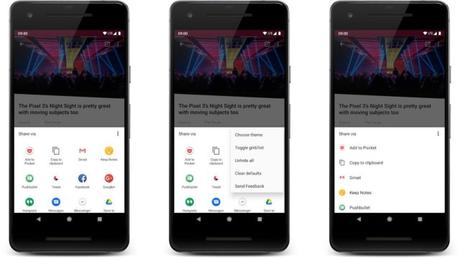
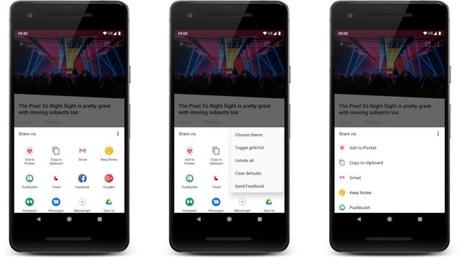
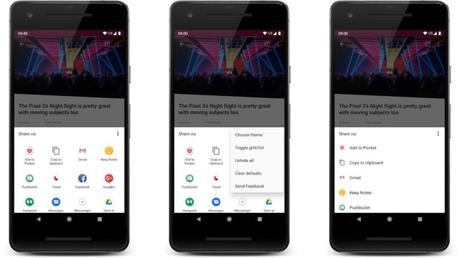
Sharedr is one of the more unique customization apps. This one deals with the prompt that appears when you share something. These days, the command prompt shows a list of apps along with a random list of your favorite contacts. Sharedr brings order to chaos. You can customize the prompt to show only the apps you actually want and remove the random contacts entirely if you want. It takes a bit of work to set up. However, this app makes sharing content a lot easier once you've taken the time to customize it to your liking. It's also completely free with no ads or in-app purchases.
Substrate or synergy
Price: Free / Varies
Substratum and Synergy are thematic frameworks for Android devices. They use Android's OMS (Overlay Manager System) to thematize your phone. These are quite complex pieces of software. Both work on some devices without root. However, you get the best experience with both on Android Oreo with root. There are a variety of themes on the Google Play Store that work with these frameworks. Prices vary, but none of them are very expensive. These are both great customization apps, but unless you own a modern Samsung device, we recommend Substratum first when it comes down to it. Synergy is better for Samsung devices.
Tasker
Price: $ 2.99
Tasker is arguably the most powerful app in the entire Google Play Store. Basically it can do anything. The app can automate tasks, create new actions, and perform all sorts of other tasks. Seriously, we have limited space here and it is nowhere near enough. With great strength, of course, comes great difficulty. Tasker is not an easy to use app. Additionally, there are plenty of apps that have Tasker direct support and a number of apps like AutoTools that add even more functionality. Prepare for a steep learning curve. The app is priced at $ 2.99 but doesn't offer any additional in-app purchases or ads.
Volume control Pro
Price: $ 1.49
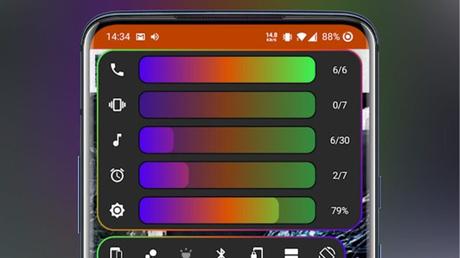
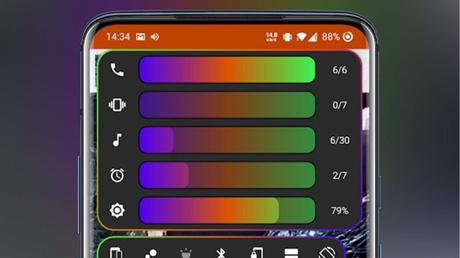
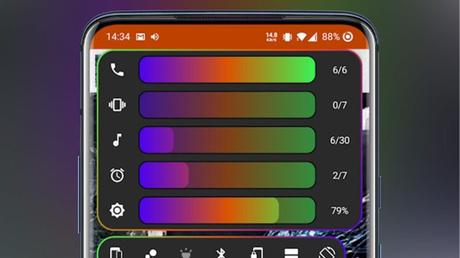
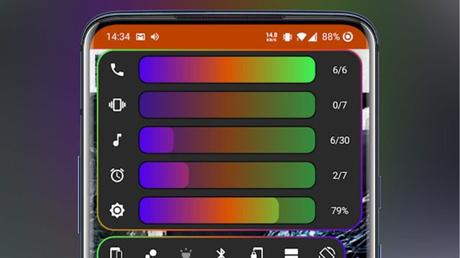
Volume Control Panel Pro is one of the few decent customization apps for your volume panel. This lets you toggle between horizontal and vertical sliders, use the volume buttons to turn them on, and even do useful things like double-tapping your media. In addition, you can change the colors and themes to match your current theme. It's cheap and worked pretty well in our tests. Volume Styles (Google Play link) is another app for customizing the Volume Panel in case Volume Control Panel Pro doesn't work for you.
Zedge
Price: Free with in-app purchases
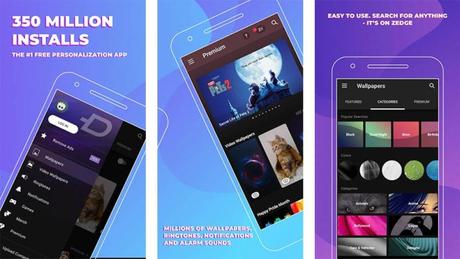
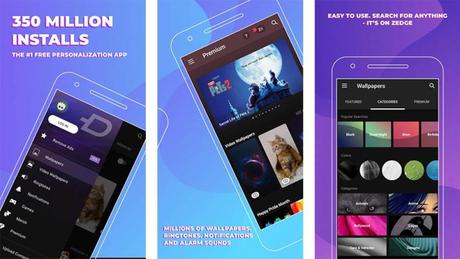
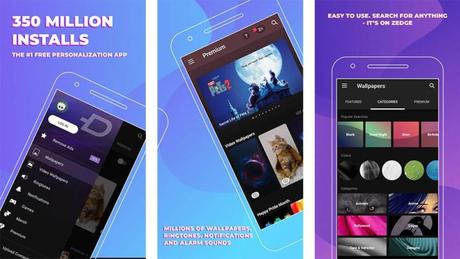
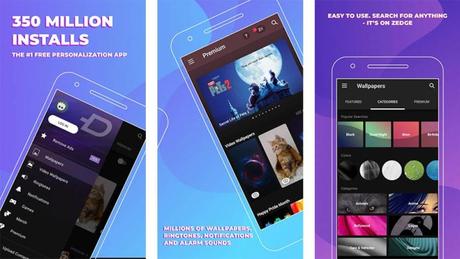
Zedge is one of the most popular customization apps. It has wallpapers and the selection is pretty decent. However, the main attraction of Zedge is the ringtones, notification tones, and alarm tones. You can find a selection of excellent sound effects, songs, and other content for this kind of thing. Plus, if you have something you want specifically that you want to share too, you can upload your own to Zedge's website. This is one of the few really good ringtones and notification tones apps that doesn't require you to create them yourself. It is a must to customize your Android device.
Bonus: Basically every launcher
Price: Free / Varies
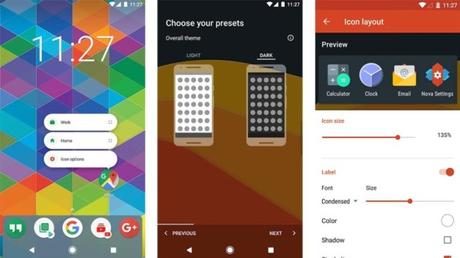
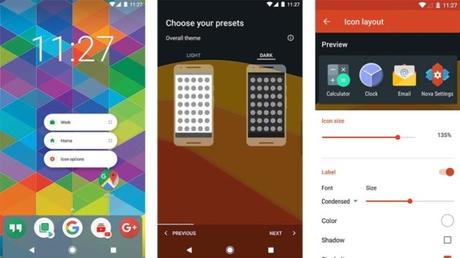
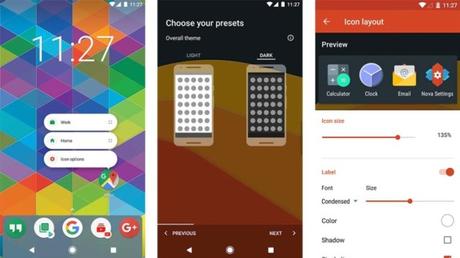
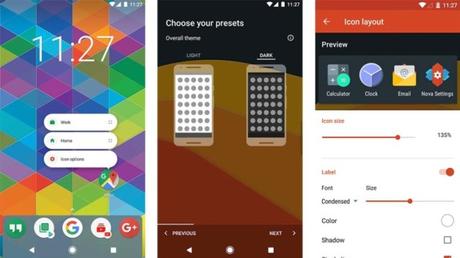
Your home screens come from Android launcher. You can swap them out with other starters, and each launcher comes with its own customizations. In addition, most of them support universal customization like icon packs. Depending on your launcher choice, you will get a very specific look and feel, some of which will go completely out of hand. A notable example is Armoni Launcher (Google Play link) which makes your phone look like iOS 14. We linked Nova Launcher via the button as it's as good a starting point as any other. You can check out our full list of the best Android launchers here.
If we missed any great customization apps, let us know in the comments! You can also click here to see our latest Android app and game lists!






