


Don’t you hate it when you have to browse the mobile dictionary in the middle of a chat just to confirm the spelling so that you don’t look lame in front of the other person? We have all been there, done that. But do you know that the keyboard on your smartphone could do that thing for you instantly? Well, it may not now, if you are still using the default keyboard.
10 Best Keyboards for Android That Will Help You Type Efficiently
There are a number of keyboard apps in the Google Play Store that can allow you to do a lot of things with your keyboard.
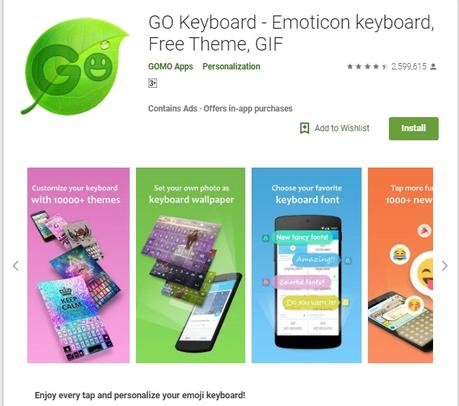
#1. Go keyboard:
This free android application by GOMO Apps is a great option for those who are tired of using the same old default keyboard on your android devices. GO Keyboard does not only allow you to personalize the appearance of the keyboard but also offers a variety of features that the default keyboards often lack. You can use this multipurpose keyboard app with tap input, a swipe input, an emoji keyboard, and a GIF keyboard.
Find: 5+ Best Android Emulator for PUBG
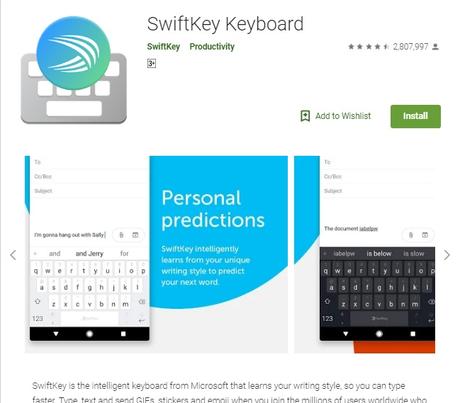
#2. SwiftKey:
SwiftKey is certainly one of the finest keyboard apps that are currently available on Google Play Store. This app is recently acquired by Microsoft. However, this app made its mark in the Android app market prior to that acquisition. This is an intelligent keyboard that learns your writing style and makes it easier for you to type by predicting the next word. SwiftKey also features autocorrect and gesture typing to enable faster input.
Read: 7 Best Xbox One Emulator for Windows PC
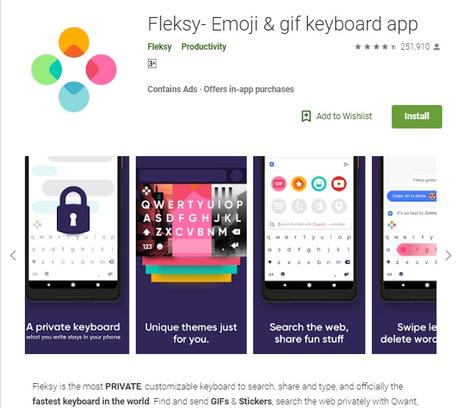
#3. Fleksy:
Fleksy is recognized as the fastest keyboard in the world by the Guinness Book of Records. Hence, if you are always in a hurry, you should choose this keyboard app for typing on your android devices. It uses next-generation autocorrect and gesture control that let you type accurately in a lesser amount of time. It also offers 50+ colorful themes and 3 different keyboard sizes, giving you the option to customize it as per your preferences. Also, the keyboard is intuitive. However, if you switch the devices or factory reset the settings, the app goes back to default, resetting the personal dictionary.
Find: Best Alternatives to Watch Anime on Kodi
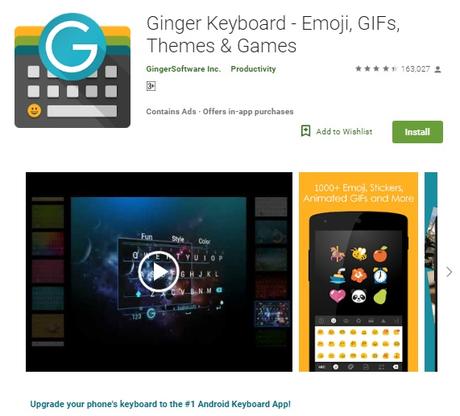
#4. Ginger Keyboard:
Ginger Software Inc., which owns Ginger Keyboard, has also developed several grammar checking tools for a number of platforms. This explains the grammatical accuracy that Ginger Keyword app offers to its users. The developers have actually included the same grammar checking and correction algorithms in the app that “allows the user to send better, less embarrassing texts and higher quality writing,” as described by Techcrunch.
Read: 14 Awesome Nintendo 3DS Emulators for Android
#5. Chrooma Keyboard:
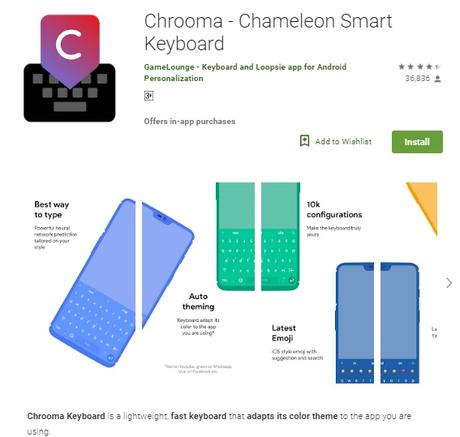
Chrooma is a lightweight, fast keyboard that offers a lot of customization options for free. While most keyboards allow you just to pick the themes, Chrooma Keyboard picks the theme color of the app you are using. For instance, if you are using Twitter, it turns blue, while for WhatsApp it turns green. You also get a “night mode” option that darkens the keyboard’s color offering a better viewing at night.
#6. Multiling O Keyboard:
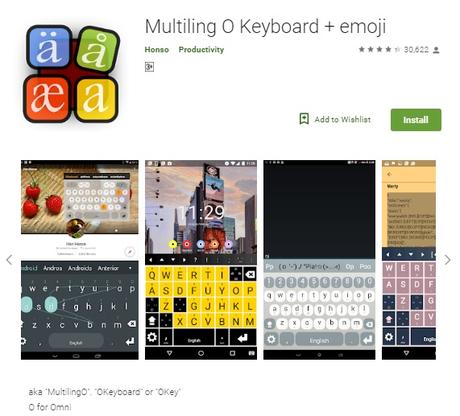
If you are using a budget Smartphone that has limited space for the apps on the device, you may find it unnecessary to install a keyboard device for a change. But there is actually an android keyboard app that takes only 500KB of your phone’s memory while delivering a bundle of features. Well, it may not be as sophisticated as SwiftKey or Fleksy, but it still offers some amazing features that put Multiling O Keyboard among the top android keyboard apps.
Find: 10 Best Home Design and Renovations Apps
#7. Gboard:
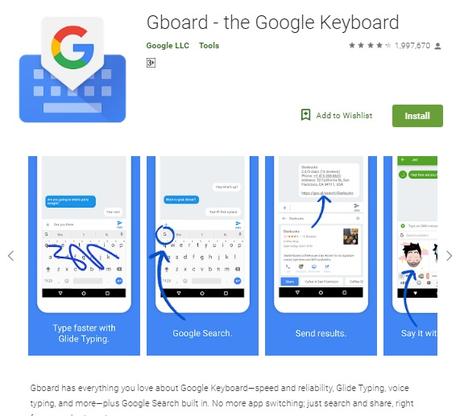
Gboard is set as the default keyboard to the devices that are run on stock android. What makes it the best android keyboard in the list are its great predictions (owing to the machine learning technology), access to GIFs and stickers, and a dictionary that is tied to your Google account. It even lets you choose from a huge collection of themes, and allows you to customize the layout.
Find: Top 10 Useful Android Apps for Designers
#8. Touchpal Keyboard:
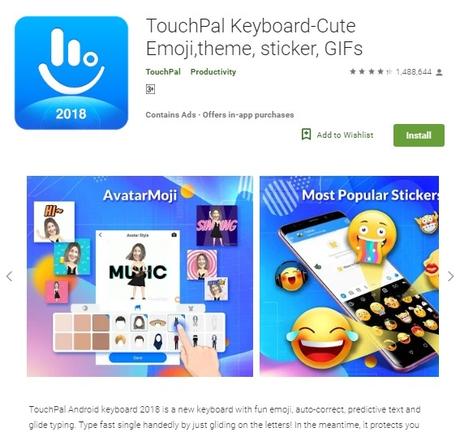
If you love using emoji while typing, this app is just for you. This award-winning keyboard app has over 50 million downloads and has been in the market for a really long time. While it offers several amazing features like voice typing, glide input, T+ and T9 keypad, autocorrect and predictive writing, the most highlighting feature of this app revolves around the use of emoji.
Read: 10 Mind-Soothing Apps that Will Help You Sleep Better
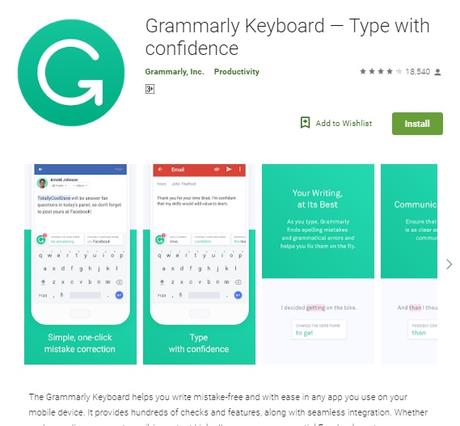
#9. Grammarly Keyboard:
You may have heard about the Grammarly app which is one of the most popular proofreading tools in the market. Well, Grammarly Inc., which runs the Grammarly app has also launched their Android keyboard recently. It uses the same proofreading algorithm to perfect your typed content. Since the app is still in its nascent stage, it misses out on several crucial features like gesture typing (swiping) or voice typing. However, its sophisticated grammar checker is something that puts it ahead of so many keyboard apps.
Find: 10+ Free Movie apps to Watch & Free Movie Downloads for Android
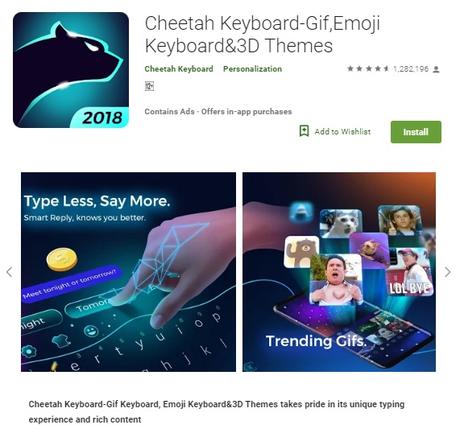
#10. Cheetah Keyboard:
Cheetah Keyboard is another great option for the users who love to personalize their keyboard layouts. This is one of the few AI-powered keyboards that offers 3D themes. Besides the option to choose customized themes, the keyboard also supports some of the major features like gesture typing (swiping), auto correction, predictive writing, and emoji support.
There are a lot of other Android keyboards available on the Google Play app store that are worth checking out. Most of these apps mentioned in the list are available for free. However, some of them also offer a premium version of the app which allows you to use some additional features as well. Since each of these apps caters to a particular group of users, it is better to identify your needs before you choose a keyboard app for your android device.
Author Bio: Eliza Clara is a professional writer who has worked for several IT companies in the past. She is currently associated with MyAssignmentHelp as an academic expert. He has his own website where he writes about the latest tech and gadgets. Sometimes she provides solutions to assignment help seeker students






